
End-to-end synthetic data workflow
for in-cabin perception
End-to-end synthetic data workflow for in-cabin perception
Anyverse INCABIN delivers a seamless synthetic data workflow designed to accelerate your in-cabin perception models, from development and validation to certification pre-assessment. Accessible through an intuitive web interface, the platform is pre-configured to automatically generate datasets based on your exact system specifications.
Configure your cabin & sensors
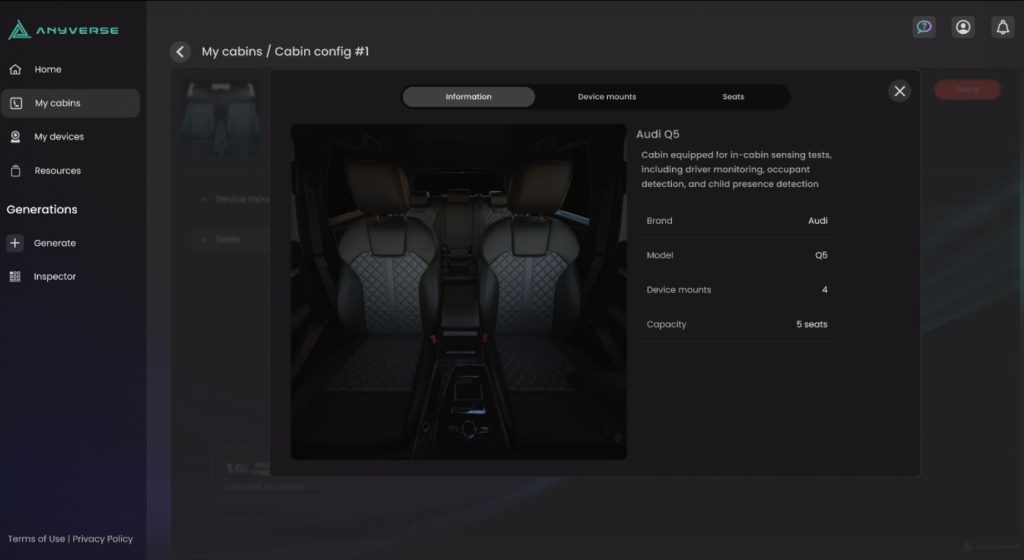
Replicate your exact hardware: Start in our intuitive web interface to configure your digital cabin. Precisely match your real-world hardware by setting up RGB-IR, NIR, or Radar sensors to your exact vehicle specifications and locations.
Select your in-cabin scene
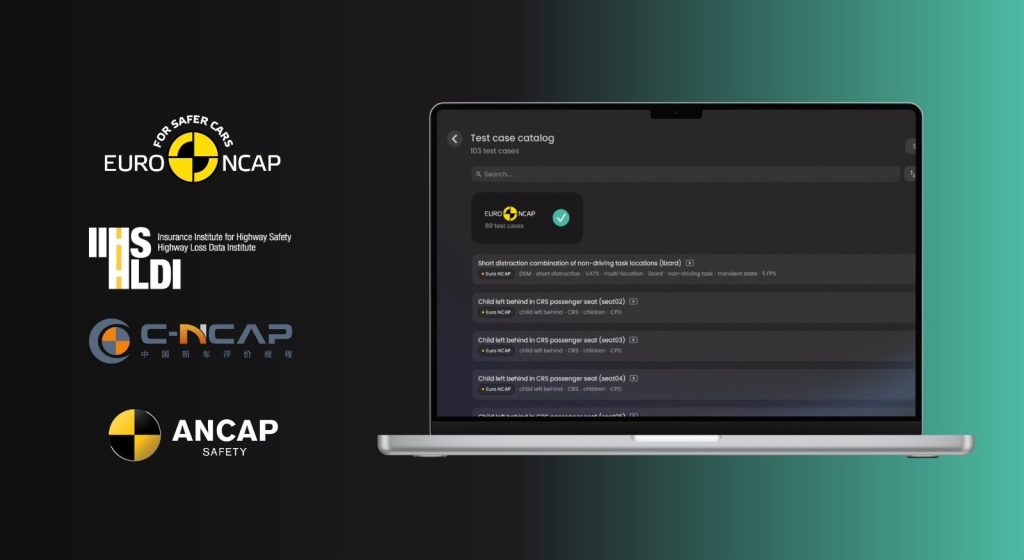
Ensure compliance from day one: Browse our ready-to-use scenario library. Select use cases pre-aligned with Euro NCAP 2026+ for DMS, OMS, and CPD, ensuring uniform sampling and maximum domain coverage right out of the gate.
Customize the dataset
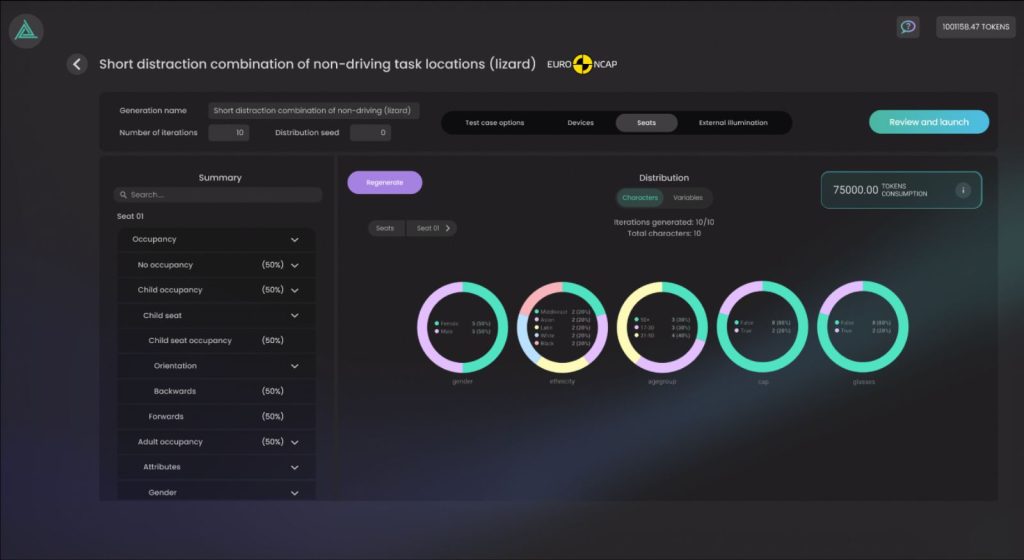
Dial in the exact variance you need: Use the dataset configurator to adjust every detail of the scene. Modify lighting conditions, occupant demographics, and environmental factors to generate precise dataset distribution variance with just a few clicks.
Generate your data
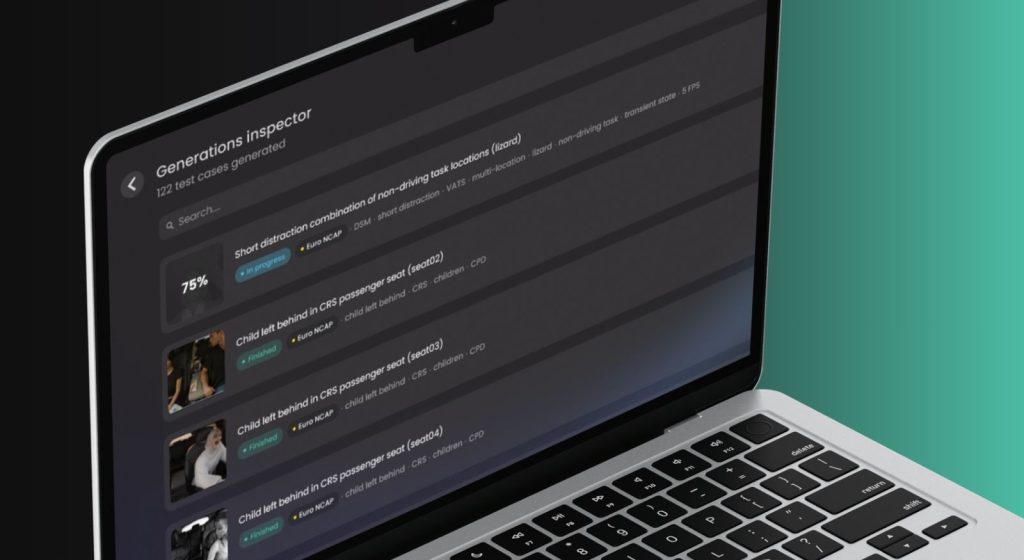
Automate the heavy lifting: Verify your statistical and character distributions before launching the job. Then, let Anyverse do the work, automatically generating pixel-perfect data while your team gets back to focusing on core engineering.
Inspect & export
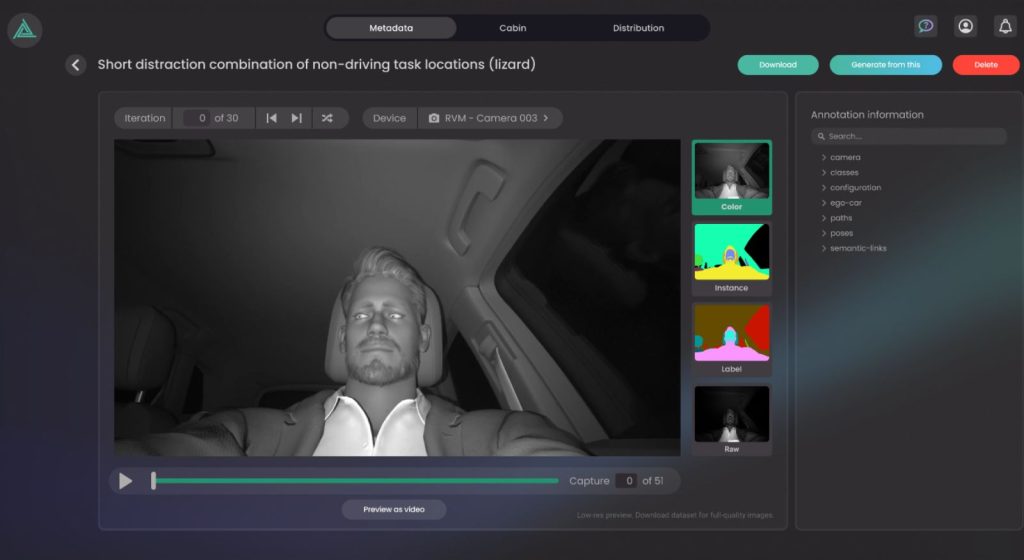
Visualize your ground truth: Open the dataset inspector to filter and visualize your newly generated data. Check the pixel-perfect ground-truth annotations, seamlessly download the dataset directly into your pipeline, or iterate to generate a new batch.
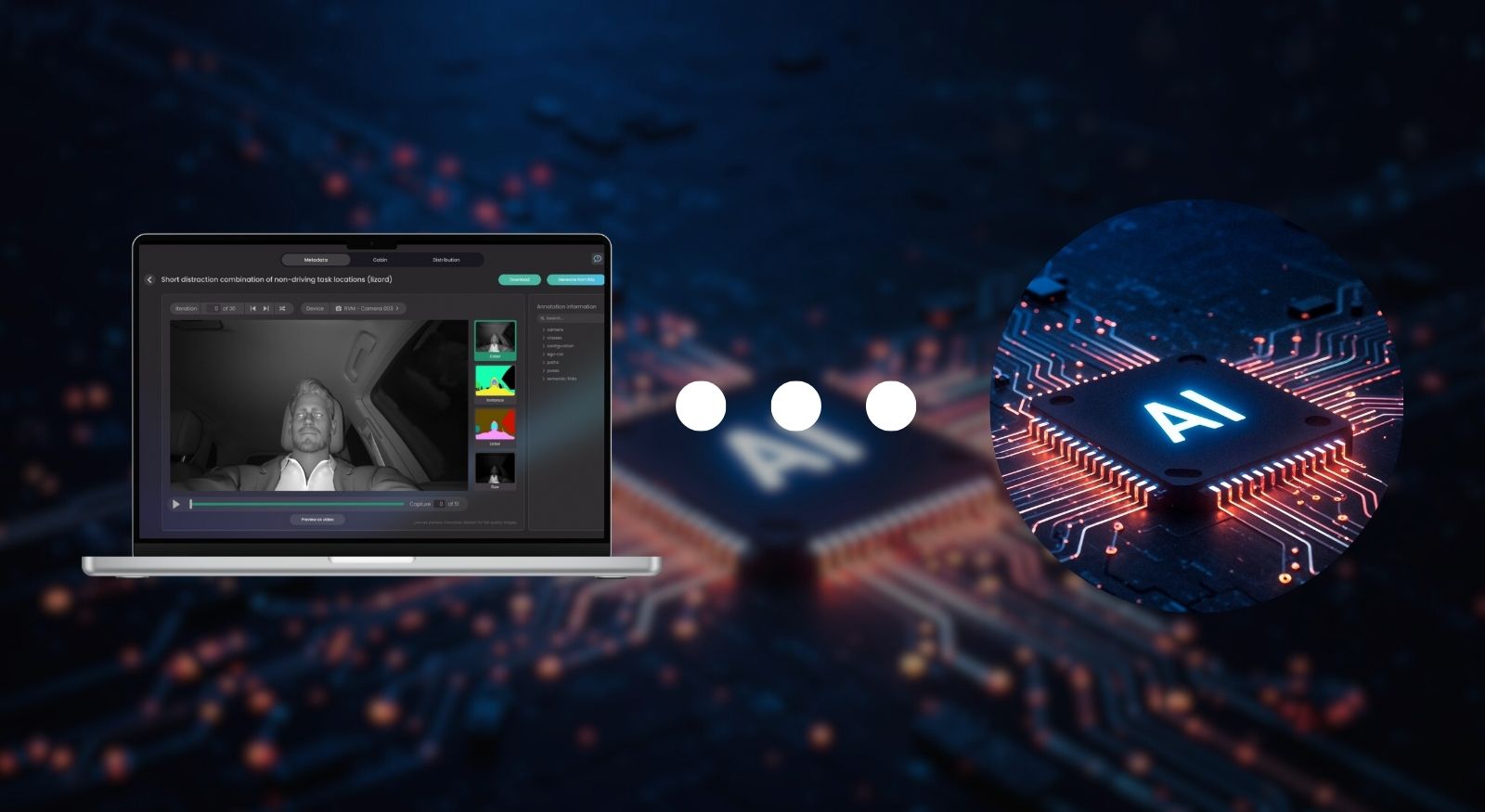
Integrate & power your in-cabin AI
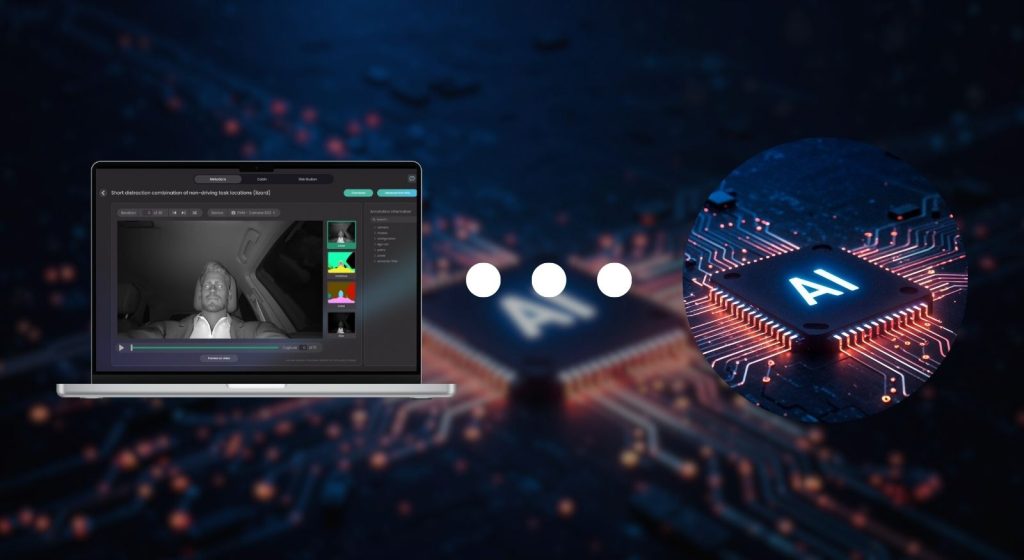
Feed your models seamlessly: Inject the datasets directly into your machine learning pipelines. Empower your team to accelerate early development, conduct rigorous validation, and perform pre-assessments long before physical testing begins.
Configure your cabin & sensors
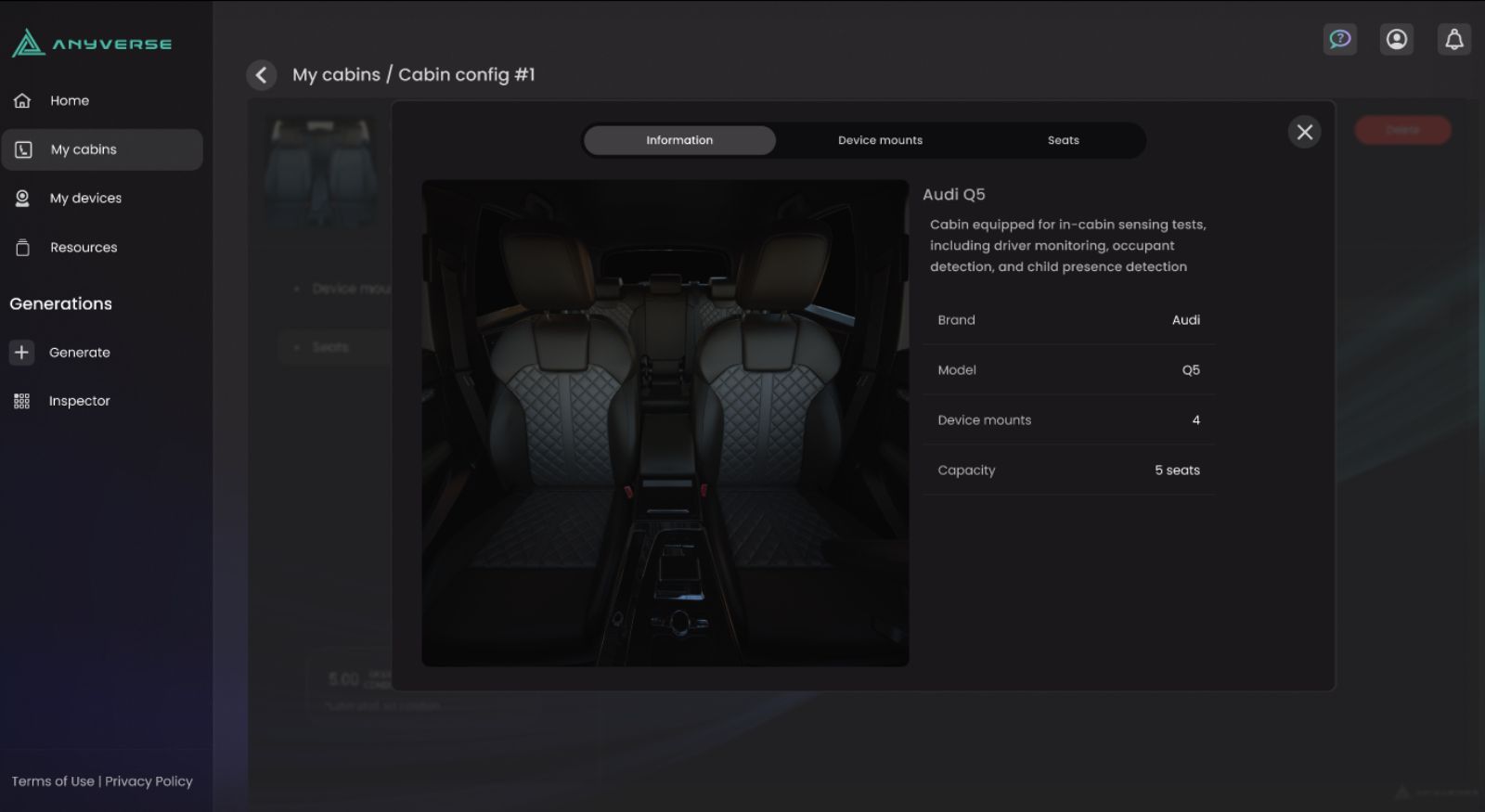
Replicate your exact hardware: Start in our intuitive web interface to configure your digital cabin. Precisely match your real-world hardware by setting up RGB-IR, NIR, or Radar sensors to your exact vehicle specifications and locations.
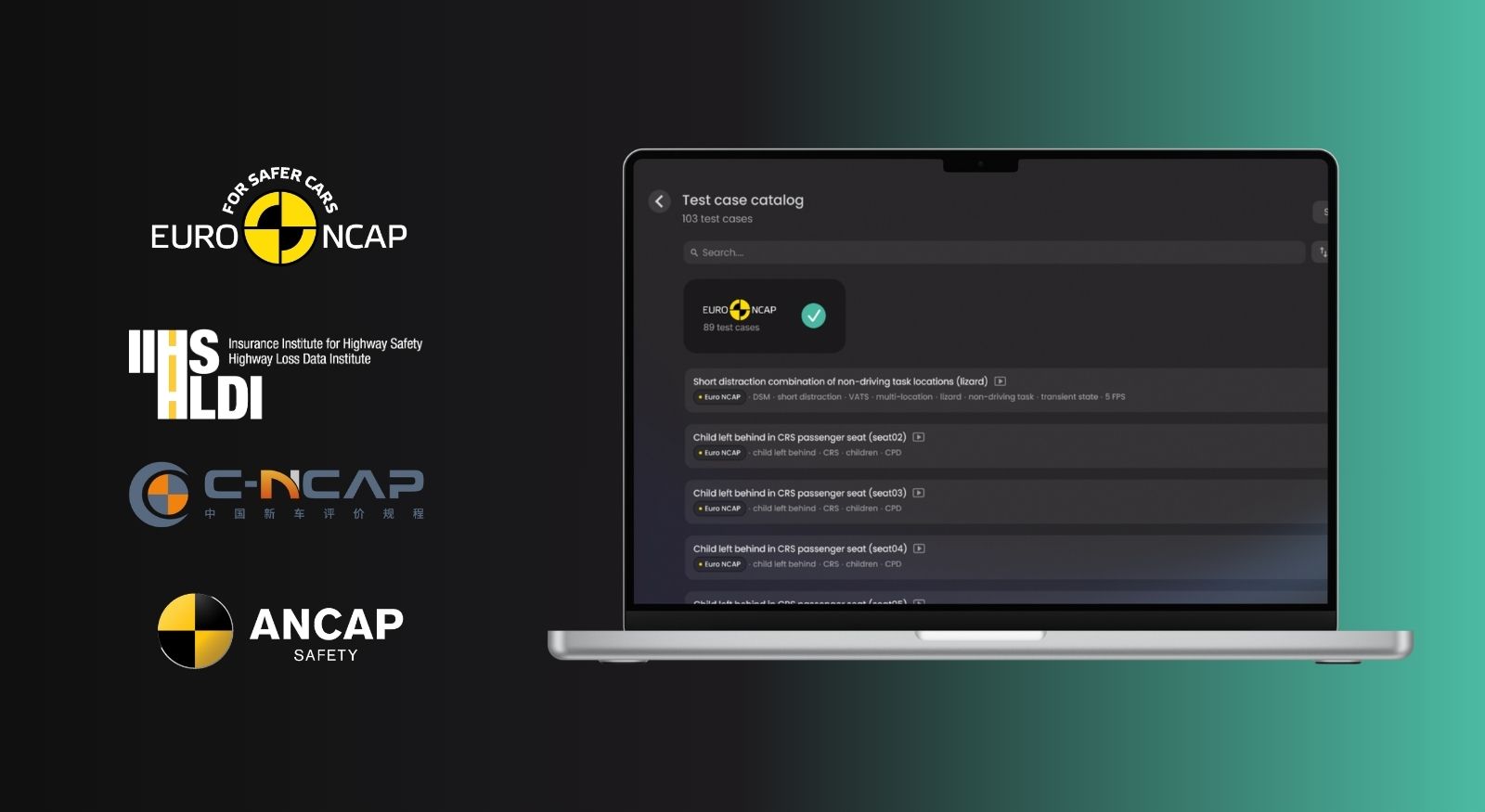
Select your in-cabin scene
Ensure compliance from day one: Browse our ready-to-use scenario library. Select use cases pre-aligned with Euro NCAP 2026+ for DMS, OMS, and CPD, ensuring uniform sampling and maximum domain coverage right out of the gate.
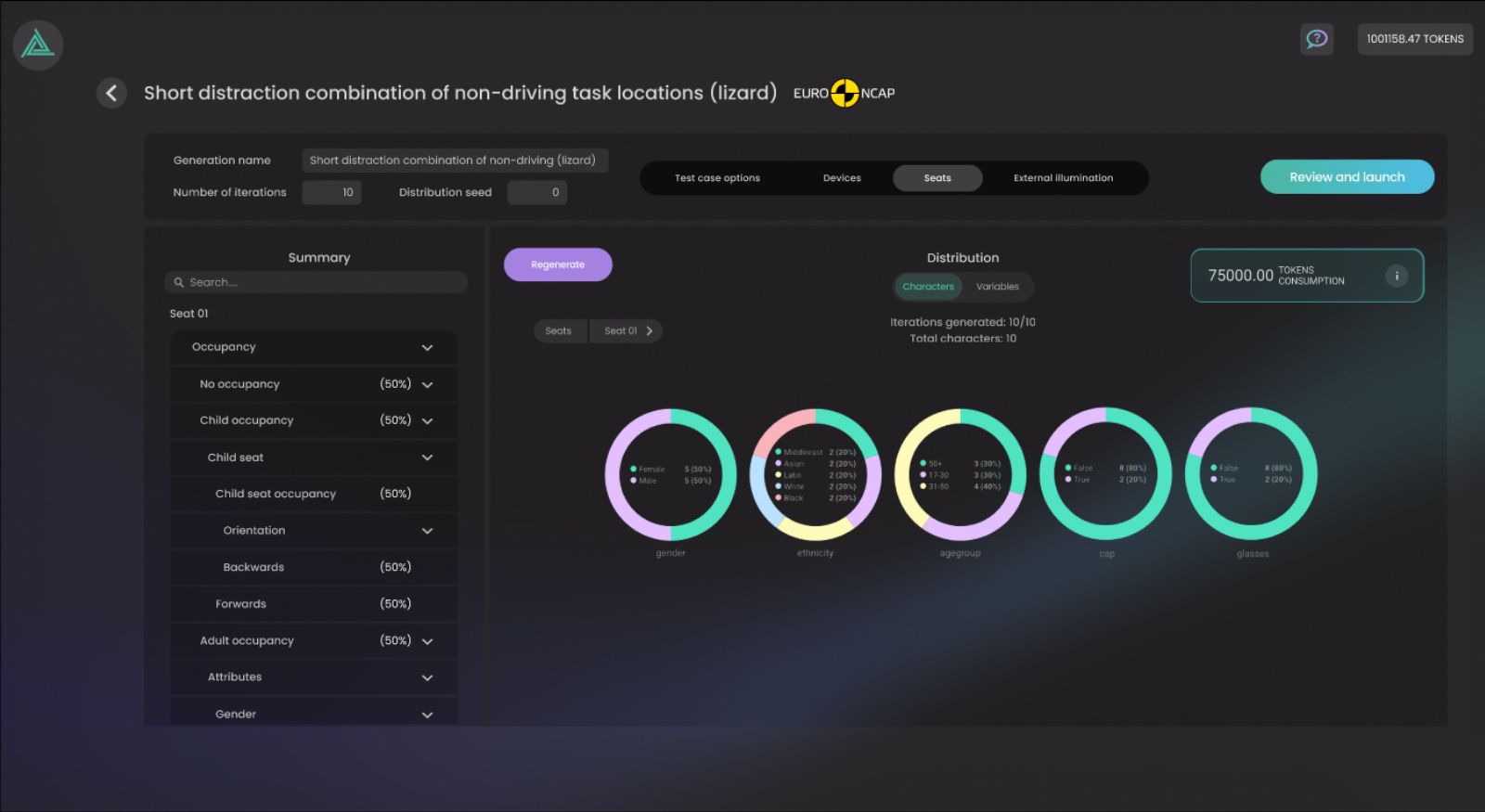
Customize the dataset
Dial in the exact variance you need: Use the dataset configurator to adjust every detail of the scene. Modify lighting conditions, occupant demographics, and environmental factors to generate precise dataset distribution variance with just a few clicks.
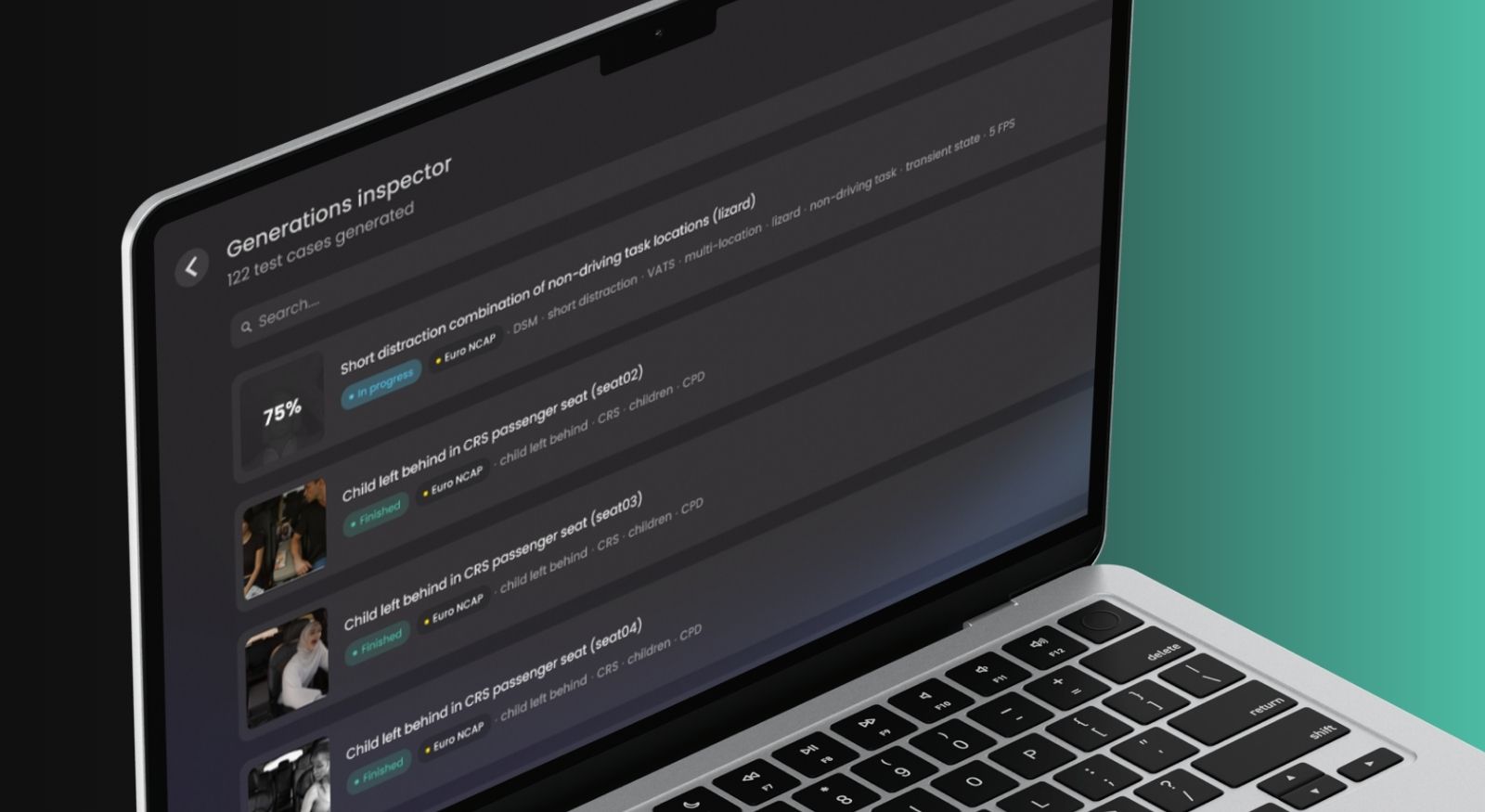
Generate your data
Automate the heavy lifting: Verify your statistical and character distributions before launching the job. Then, let Anyverse do the work, automatically generating pixel-perfect data while your team gets back to focusing on core engineering.
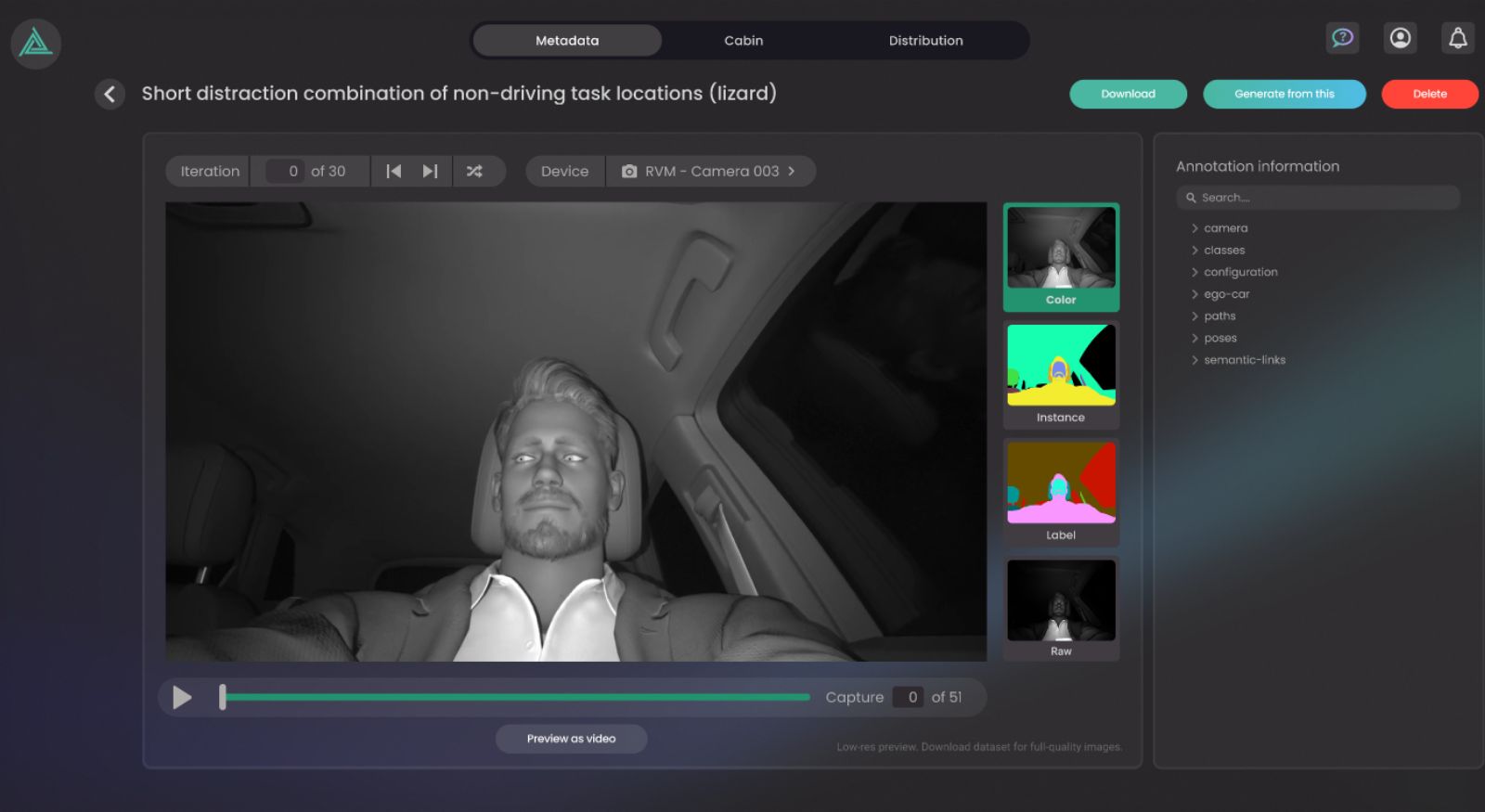
Inspect & export
Visualize your ground truth: Open the dataset inspector to filter and visualize your newly generated data. Check the pixel-perfect ground-truth annotations, seamlessly download the dataset directly into your pipeline, or iterate to generate a new batch.
Integrate & power your in-cabin AI
Feed your models seamlessly: Inject the datasets directly into your machine learning pipelines. Empower your team to accelerate early development, conduct rigorous validation, and perform pre-assessments long before physical testing begins.